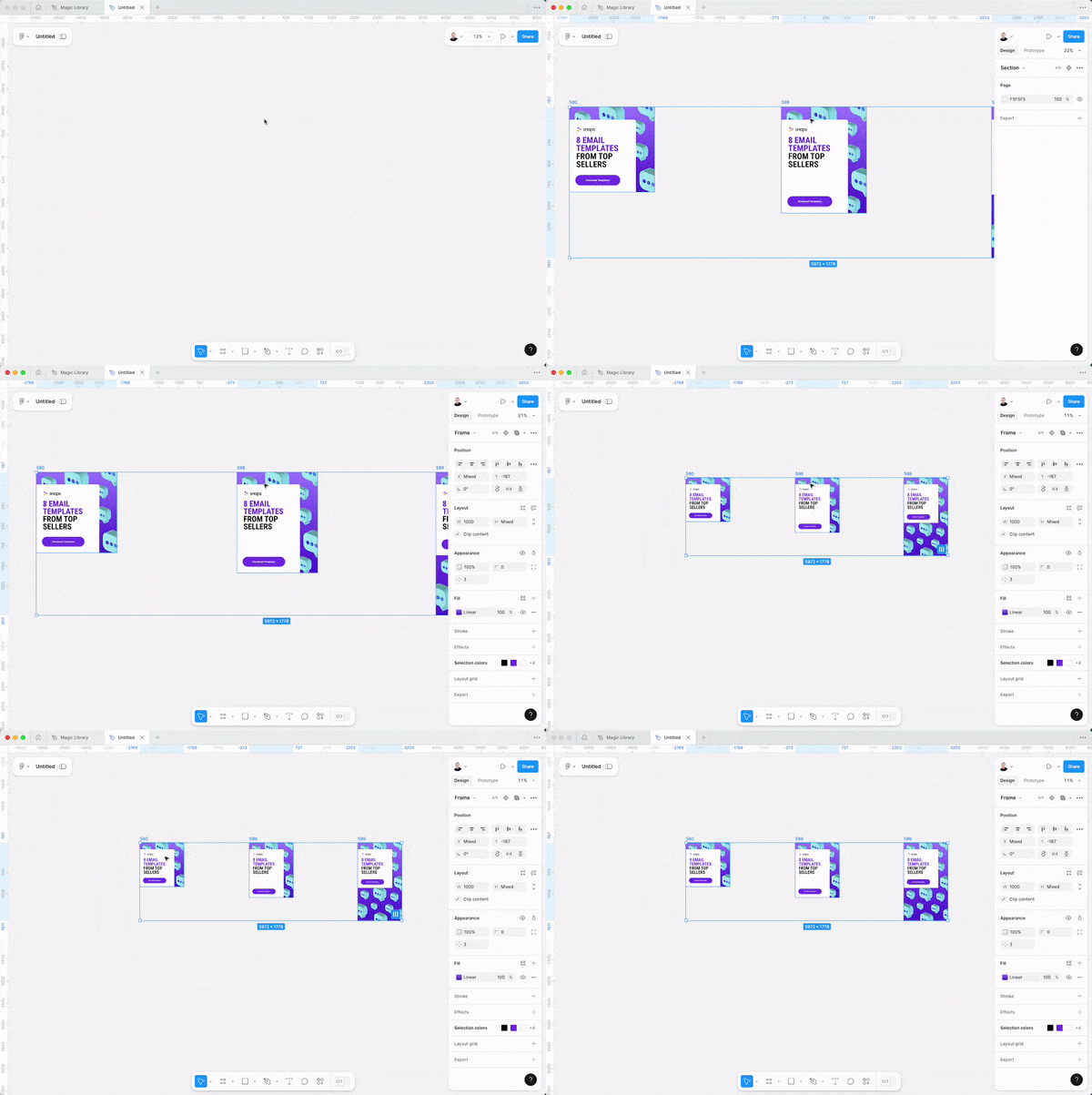
1000+ User creating with AI
Everything tocreate with AI- in one place
AI Creator is the world's largest collection for visual AI Tutorials, Prompts and Tools.
Step-by-step AI tutorials for every skill level
Prompt templates for every use case
Tools to create faster and smarter
We cover tutorials, templates & prompts for 14 tools and counting:

ChatGPT

Freepik

Midjourney

Higgsfield

Enhancor

Recraft
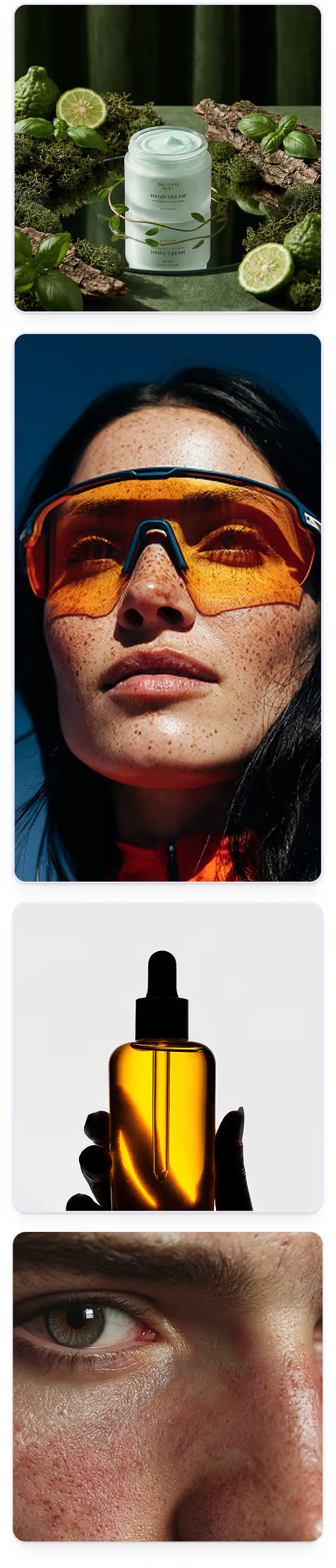
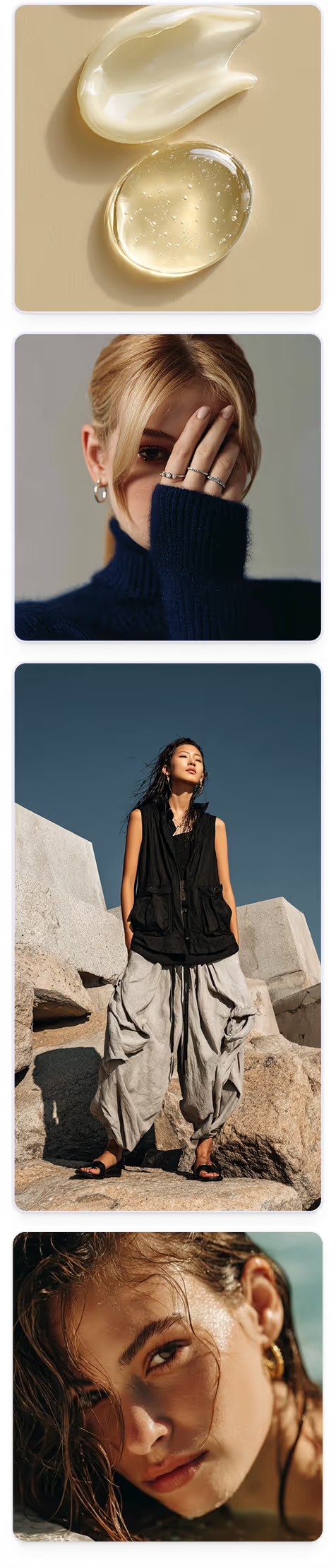
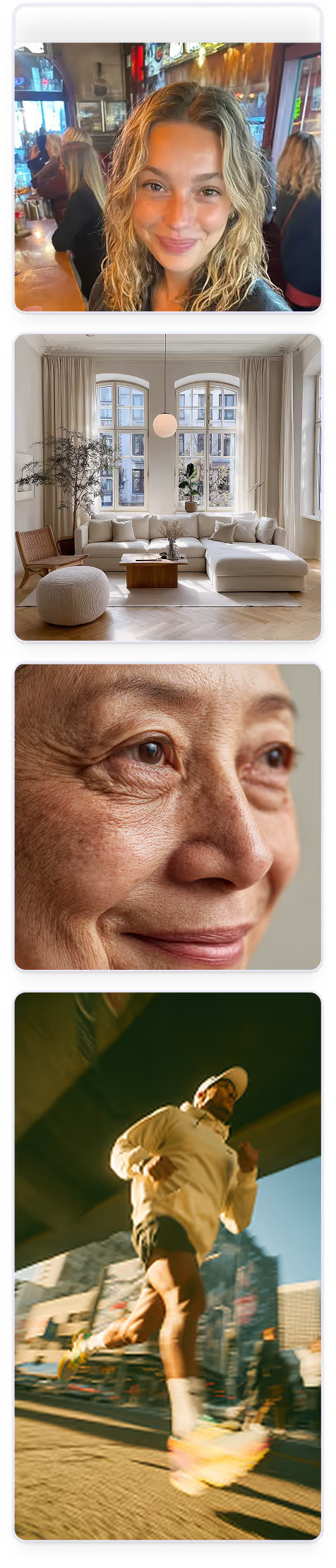
Join 1,000+ people from the world's top companies






Everything you need, in one place
AI Creator gives you the complete AI visual toolkit to go from idea to image and video - fast, consistent, and on-brand.

100+ AI Tutorials
Learn step-by-step how to create stunning visuals with the right AI tools.
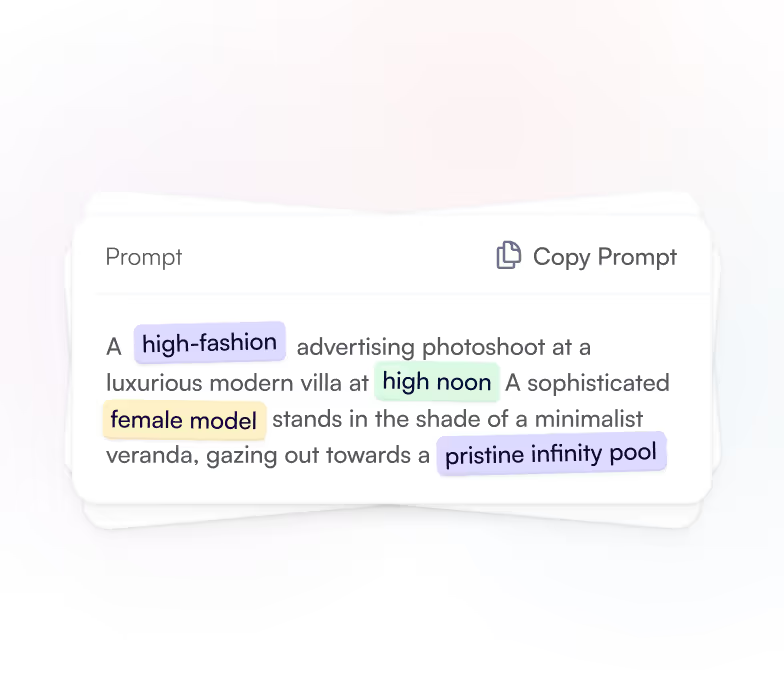
150+ AI Prompts
Ready-to-use prompts that turn your ideas into perfect images or videos.
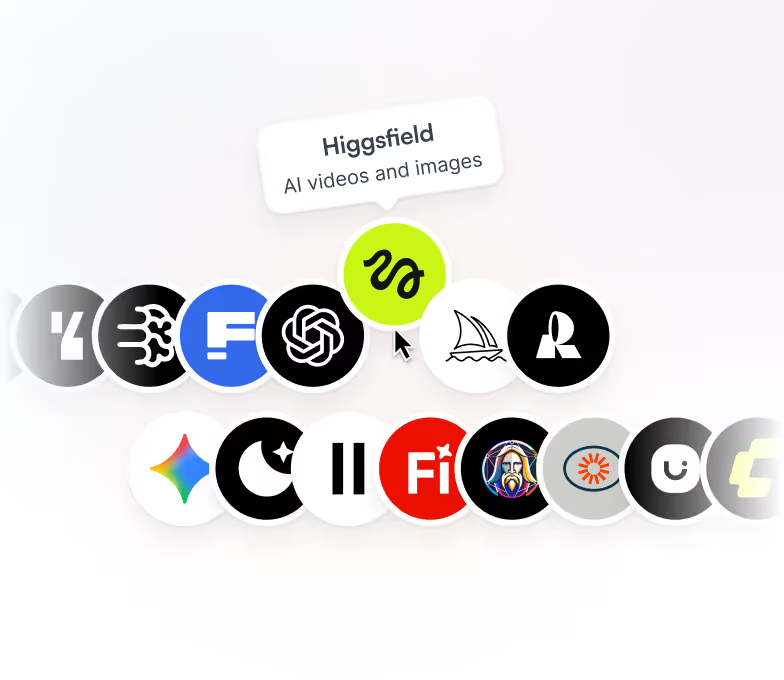
50 AI Tools
The ultimate toolkit for visual creators - curated and tested.
Latest AI Tutorials
Leverage the world’s largest library of AI tutorials - from beginner-to-pro workflows

Product
Free
Mockup

Latest AI Prompts
Discover hundreds of ready-to-use AI prompts for your next project
Product
Free
Mockup
Featured AI Tools & Models
Explore the top AI tools and models transforming how we create
Featured
Product
Free
Artistic image generation via text prompts
Frequently asked questions
Still have questions? Here are the answers to the ones we get most often.
Are the tutorials and prompt templates free to use?
What can I do on this platform?
Do I need any technical or design experience to get started?
How do I find the right AI tool for my project?
Which AI tools do your tutorials support?
Can I submit my own AI prompts or tutorials to your platform?
Can I request a tutorial or prompt on a specific topic?
Who should I contact if I have questions or need support?

Start your AI Journey today!
Join our community and get access to our free assets.
No Spam. Only sweet content and updates of our products. Join 100k+ other creators in our community

Copied! Now paste the component in Figma
Open Figma and paste the code by pressing ⇧ + CMD + V or CTRL + V